





BC Poker Download Options for Android and iOS in 2026
BC Poker is accessible on desktop browsers, Android devices, and iOS devices. You do not need to download anything to play – but a dedicated app is available for Android and, depending on your region, for iOS. This guide covers every access method with the exact steps for each device.
Do You Need to Download BC Poker to Play?
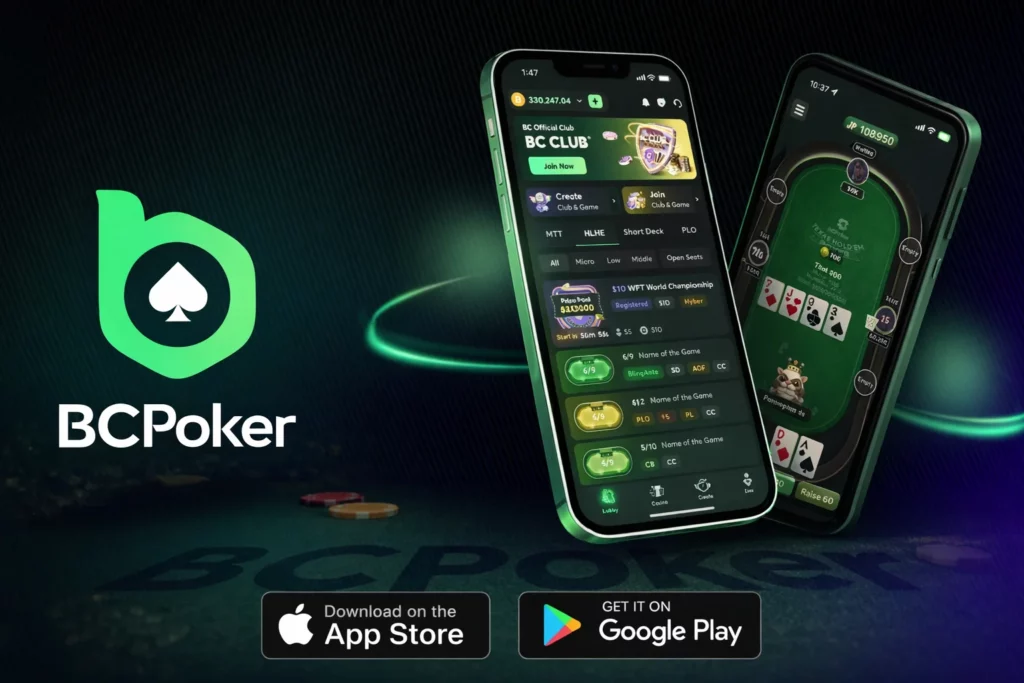
BC Poker runs fully in any modern browser like Chrome, Firefox, Safari, or Edge on both desktop and mobile. Simply open the official BC Poker website, log in, and play without installing anything.
That said, the dedicated app offers a faster startup time, a home screen shortcut, and a more stable session on mobile networks. If you play regularly on Android or iPhone, the app is worth installing.
BC Poker on Android
Android users install BC Poker via an APK file downloaded directly from the official website. The app is not listed on the Google Play Store.
System requirements:
- Android 8.0 or higher;
- at least 150 MB of free storage;
- stable internet connection (Wi-Fi or mobile data).
How to install:
- On your Android device, open Settings → Security (or Privacy, depending on your device) and enable “Install from unknown sources” or “Install unknown apps” for your browser.
- Open the official BC Poker website in your mobile browser.
- Navigate to the Download section and tap Download for Android.
- Once the APK file has downloaded, open it from your notifications or Downloads folder.
- Tap Install and wait for the process to complete.
- Open BC Poker, enter your existing account credentials, and log in.
Only download the APK from the official BC Poker website. The file is digitally signed, but if your device warns that the signature cannot be verified, do not proceed and download the file again from the official source.
How to Make Sure the APK Is the Genuine One
Because the Android app is installed from a file rather than a store listing, a few simple checks are worth doing before you tap Install.
- Start from the official website. Open the site yourself and use the Download section, instead of following links from messages, forums or unfamiliar pages.
- Check the signature warning. The file is digitally signed, so if your device says the signature cannot be verified, stop the installation and download the file again from the official source.
- Compare the size and name. If the downloaded file looks very different from what you expected, or comes with an unusual name, delete it and try again.
- Limit the unknown-sources permission. Allow installation from unknown sources only for the browser you are using, and switch the permission off again once the app is installed.
- Keep the file source consistent. Use the same official page for later updates, so every version you install comes from the same place.
BC Poker on iOS
Availability of a native iOS app varies by region. If the BC Poker app is available in your local App Store, you can install it directly from there.
If the app is not listed in your regional App Store, the recommended alternative is the browser version via Safari. The mobile site is fully optimized for iPhone and iPad so you can add it to your home screen for one-tap access:
- Open the BC Poker website in Safari.
- Tap the Share icon (the box with an arrow pointing up).
- Select “Add to Home Screen”.
- Confirm the name and tap Add.
This creates a shortcut that behaves similarly to a native app.
Desktop Version and Software Access
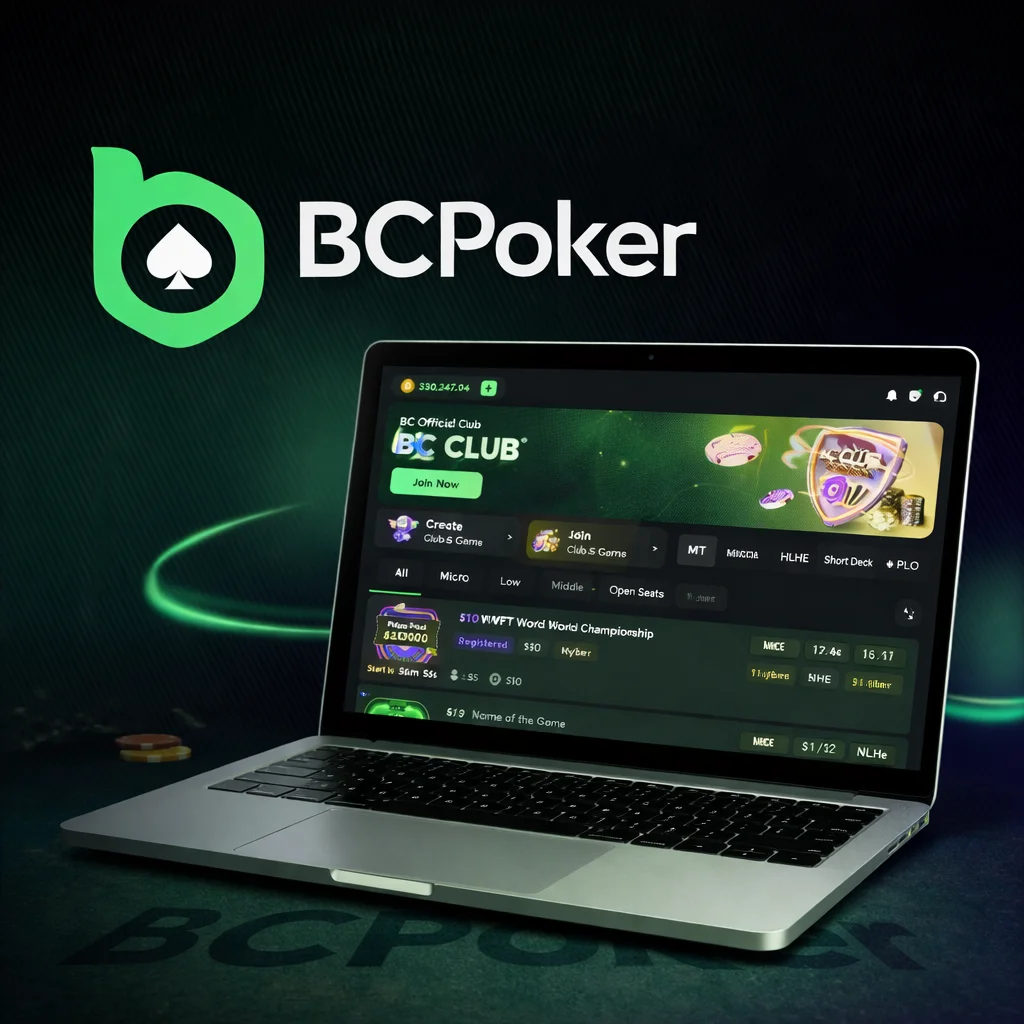
BC Poker does not currently offer a standalone desktop client for Windows or macOS. Desktop play is done through the browser. The platform performs well on all major browsers and does not require any plugins or extensions.
For the most stable multi-table experience on desktop, close unnecessary browser tabs and ensure your connection speed is at least 5 Mbps. difference between formats is minimal.
Every Way to Access BC Poker Compared at a Glance
Since BC Poker works in a browser as well as through an app, the right choice depends on the device you use and how often you play. The table below puts all the routes side by side.
| Access method | 📲 Installation | 🎯 Best for | ⚠️ Keep in mind |
|---|---|---|---|
| 🖥️ Desktop browser | None | Longer multi-table sessions | No standalone Windows or macOS client, so play runs in the browser |
| 📱 Mobile browser | None | Quick sessions without using storage | Works in Chrome, Firefox, Safari or Edge |
| 🤖 Android APK | Downloaded from the official website | Regular play on Android | Not updated automatically, so new versions must be installed manually |
| 🍏 iOS app | Installed from the App Store | Regular play on iPhone and iPad | Availability depends on your region, updates arrive via the App Store |
| 🌐 iOS Safari shortcut | Add to Home Screen | One-tap access without the App Store | Behaves similarly to a native app |
Whichever route you pick, your account, balance and settings are the same, so you can change the method at any time.
Logging In After Installation
Your BC Poker account works across all devices. There is no separate registration for the app, just use the same username and password you created on the website during BC Poker sign in process. Your balance, hand history, and settings are all synchronized in real time.
If you have forgotten your password, use the “Forgot Password” option on the login screen. Recovery is done via the email address linked to your account.
Keeping the App Updated
BC Poker periodically releases app updates that include performance improvements and new features. On Android, the app will not update automatically since it is installed via APK rather than the Play Store. To update:
- Visit the official BC Poker website.
- Download the latest APK from the Download section.
- Install it over your existing version, your account data will not be affected.
On iOS, updates are delivered through the App Store in the standard way.
Troubleshooting Common Installation Issues
| Problem | Solution |
|---|---|
| The APK won’t install on Android | Confirm that “Install from unknown sources” is enabled for your browser app in your device settings. The setting location varies by Android version and manufacturer. |
| The page won’t load after install | Force-close the app and reopen it. If the problem persists, check your internet connection and confirm the BC Poker servers are not undergoing scheduled maintenance. |
| I’m logged out every time I open the app | Enable cookies in your browser settings (for browser access) or check that you are not using a VPN that changes your session region on each connection. |
Most installation problems can be resolved without reinstalling the application. Restarting the device, clearing temporary files, or updating the operating system often helps eliminate minor compatibility issues that may affect performance.
If download or login issues continue, users should verify that they are using the latest version available and ensure that their internet connection is stable. In some cases, temporary service interruptions or regional network restrictions may affect access, and waiting a short time before trying again can resolve the problem.